 MunkiReport version 4, released over a year ago, added support for multiple customizable Dashboards. Previous releases allowed an admin to configure the homepage with selected widgets, but that was all.
The added Dashboard functionality gives admins the ability to have an unlimited number of customized views with particular widgets for different reporting needs that can be switched between using a menu or keyboard hotkeys.
This post was originally supposed to accompany my presentation at the Houston Apple Admins meetup in September 2019, but obviously I got a little behind.
The information is still relevant so read on if you are interested.
 Zoom Video Communications has been in the news again lately, and not in a good way. Shortly after
  Photo Mechanic 6 (PM), released last year, is a major overall to the venerable software used by photojournalists worldwide. It is now 64-bit for compatibility with macOS Catalina and includes a number of other changes from PM5.
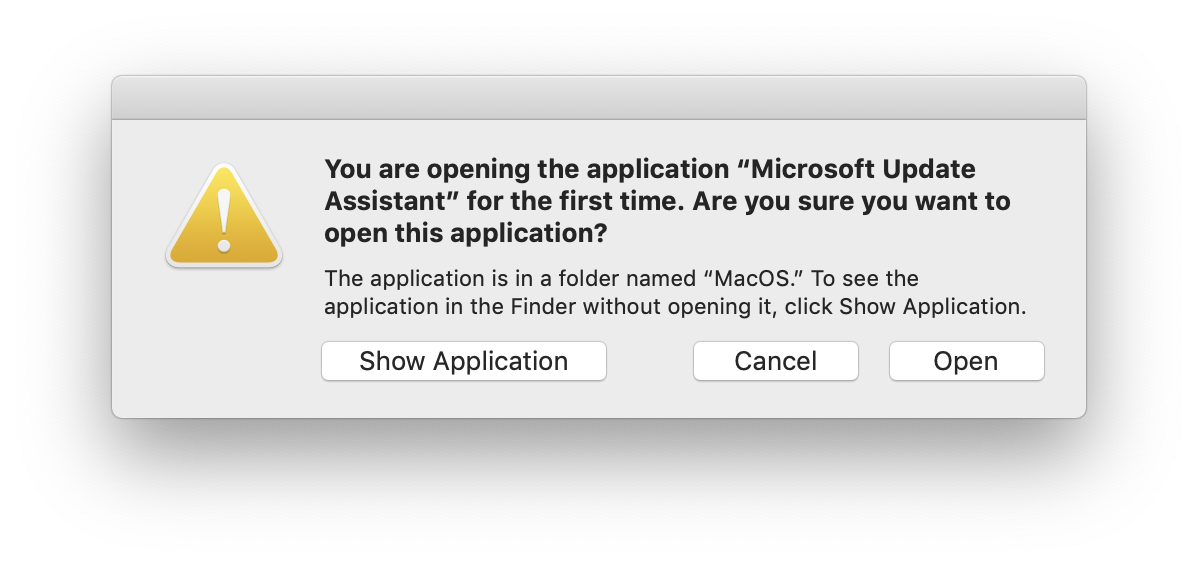
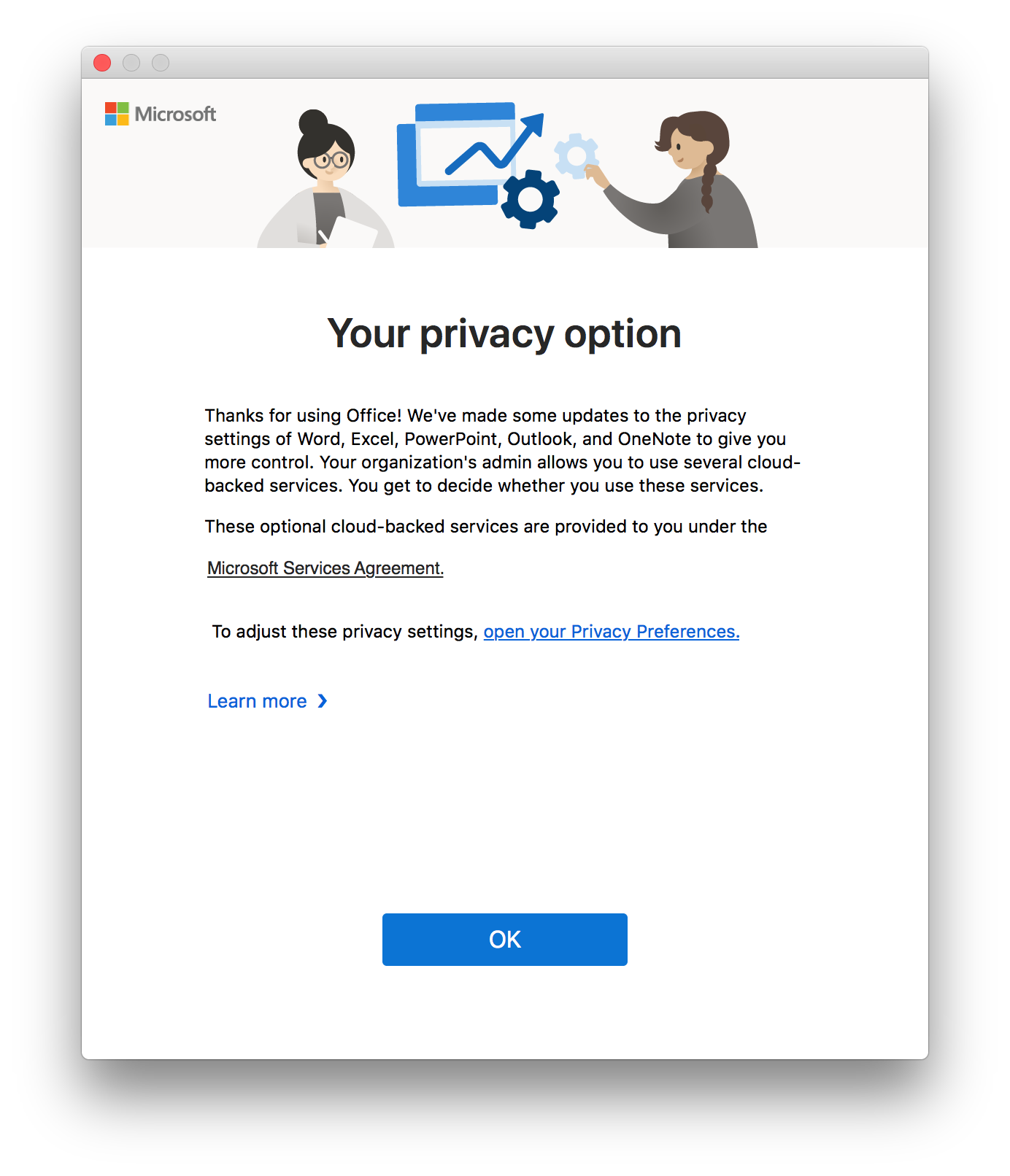
 Microsoft AutoUpdate (MAU) version 4.13, released in mid-July, adds the ability to force update deadlines for Office applications. I was one of the MacAdmins who provided Microsoft developers with feedback starting last October and am happy to see the feature come to fruition.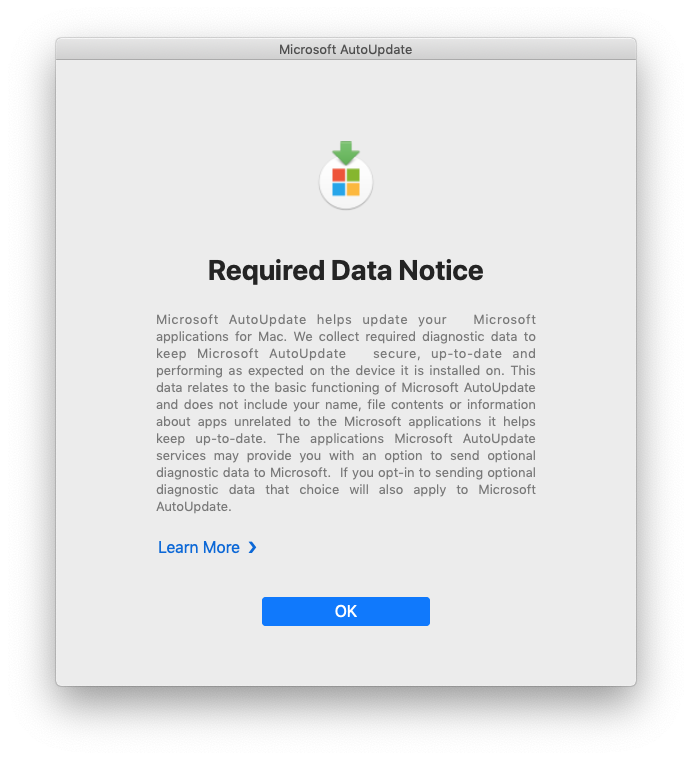
 Back in February I wrote about
  Yesterday a colleague on the