 One of the ways MacAdmins try to help onboard new colleagues is by automating the setup of devices and services. Simplifying first day setup for can go a long way toward helping a new hire feel confident in their new role.
One first-day task in many workplaces is getting that new employee setup in Slack. Having them type out a potentially lengthy workspace address isn’t great, so Slack has provided the ability to use a default sign-in file to direct them to the right place. Unfortunately it has to be in the User’s Downloads folder to work.
While this might work in one-off situations it isn’t ideal for automation. Thankfully a Slack developer responded to my enhancement request in the MacAdmins Slack and as of a couple months ago this can now be configured with a profile. Read on for the details.
 Paul Bowden announced
 Back in September 2021 a colleague on the
  For years I have been manually cleaning up old packages on my
  Historically I have always configured our MunkiReport Machine Groups with a configuration profile delivered via Munki. However starting with macOS Big Sur, the ability to manage profiles from the command line was removed meaning Munki can no longer install or remove them.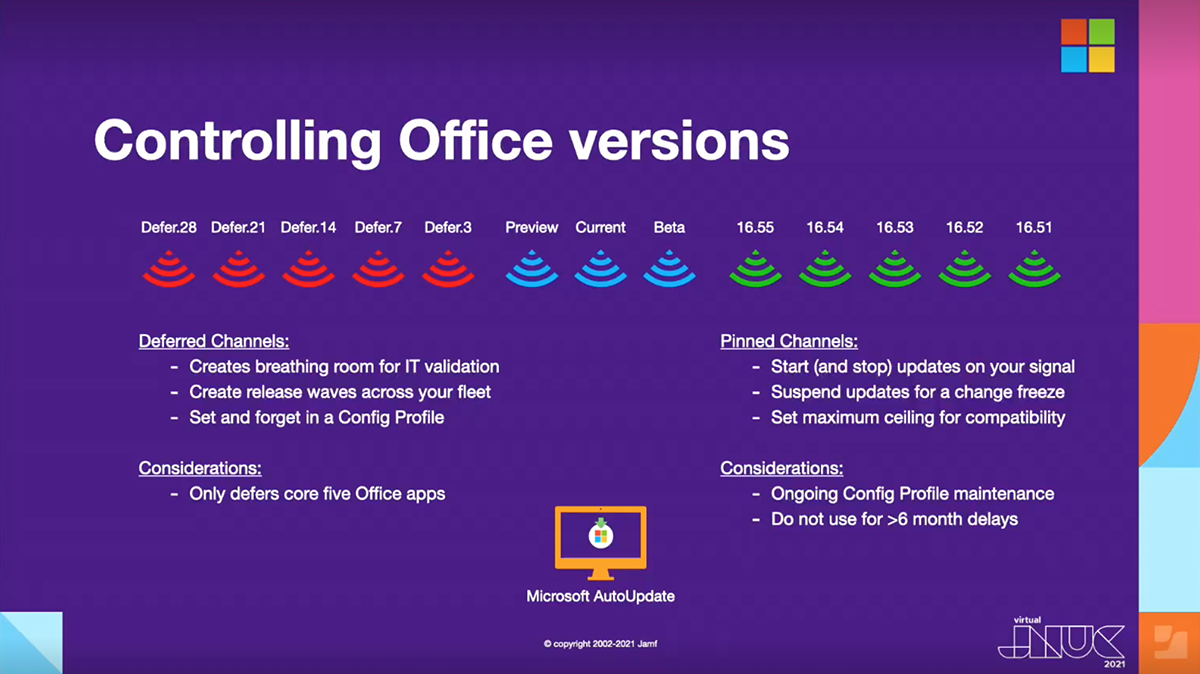
 On Sept. 16, Microsoft released Office LTSC for Mac 2021 to commercial customers ahead of the October 5 launch to general consumers. LTSC, or Long Term Servicing Channel, is the new official name of Office for customers with a perpetual Volume License.
 Employees at our company all use Standard (non-admin) accounts on macOS and
  In my last post,