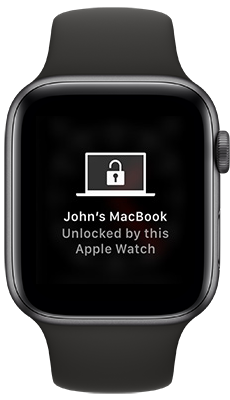
 The topic of wether or not to allow an employee to use their personal Apple Watch to unlock their work Mac is a discussion that has come up a couple times over the years in the MacAdmins Slack #security channel.
When I first saw the subject brought up I hadn’t used the feature myself. At the time I was still maintaining separate personal and work iCloud accounts to keep everything segregated. But since I could imagine receiving a request from users to enable the feature, I decided I had better start testing it out so a policy could be formed in advance.
Apple calls the feature Auto Unlock. I’ve been using it for a while now and don’t see any reason to block it for employee use. Here’s why:
 I have been running a
  During a discussion in the #detectx channel of the
  We need to tightly control the version of InDesign (ID) and InCopy (IC) in use here at the newspaper. As such we
  When Adobe released their November 19 update to InDesign CC 2019 last week, they broke the most important rule of version numbering: the version should go up!
 Most MacAdmins take an either/or approach to managing updates for Microsoft Office on macOS, utilizing either Microsoft AutoUpdate (MAU) or
  After six months of talking about it, we’re making it official.